Mark it
One press saves the moment you just saw. Use the Action Button, the Lock Screen or your Apple Watch so your eyes stay on the shot.
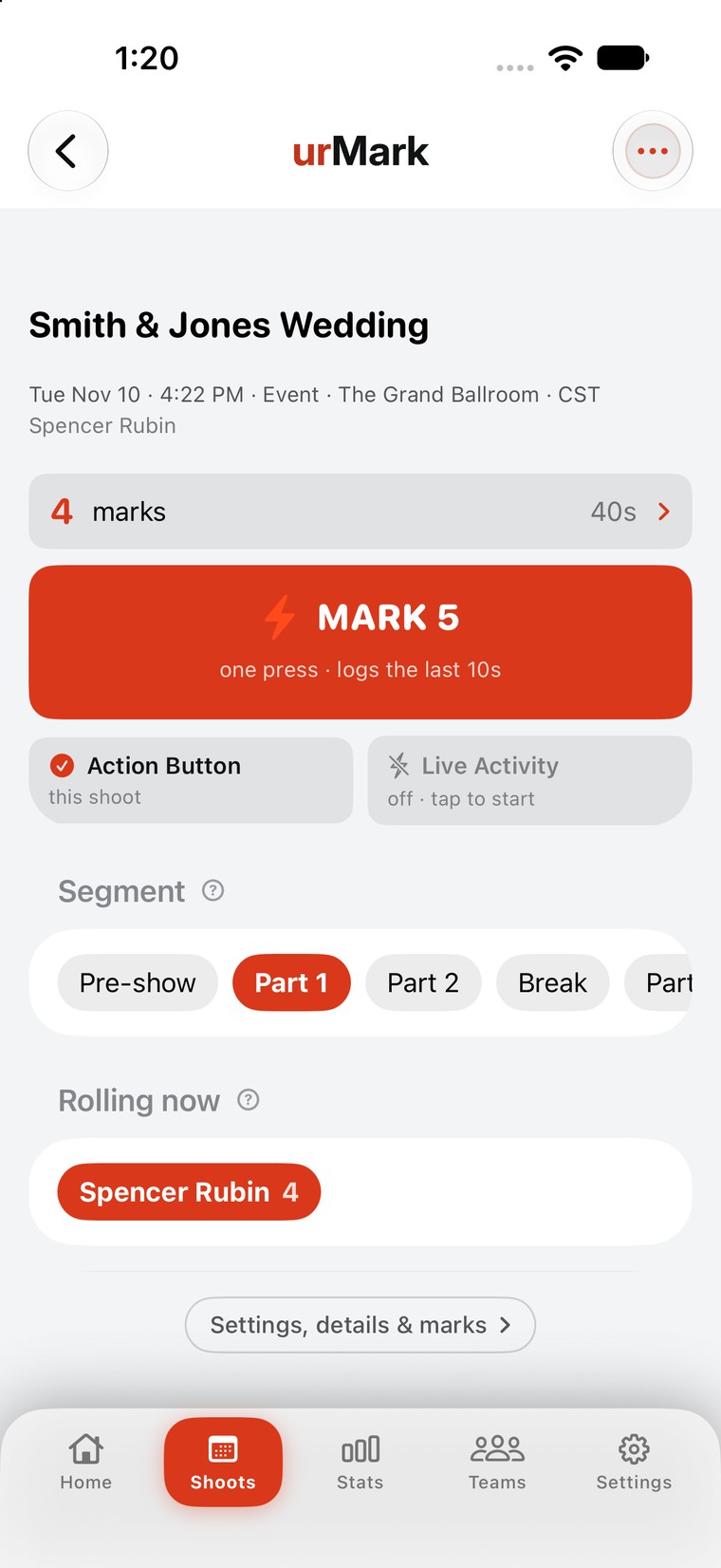

One press on your iPhone when something good happens. urMark lines your marks up with the footage and builds the selects sequence in Premiere Pro, trimmed and in order.
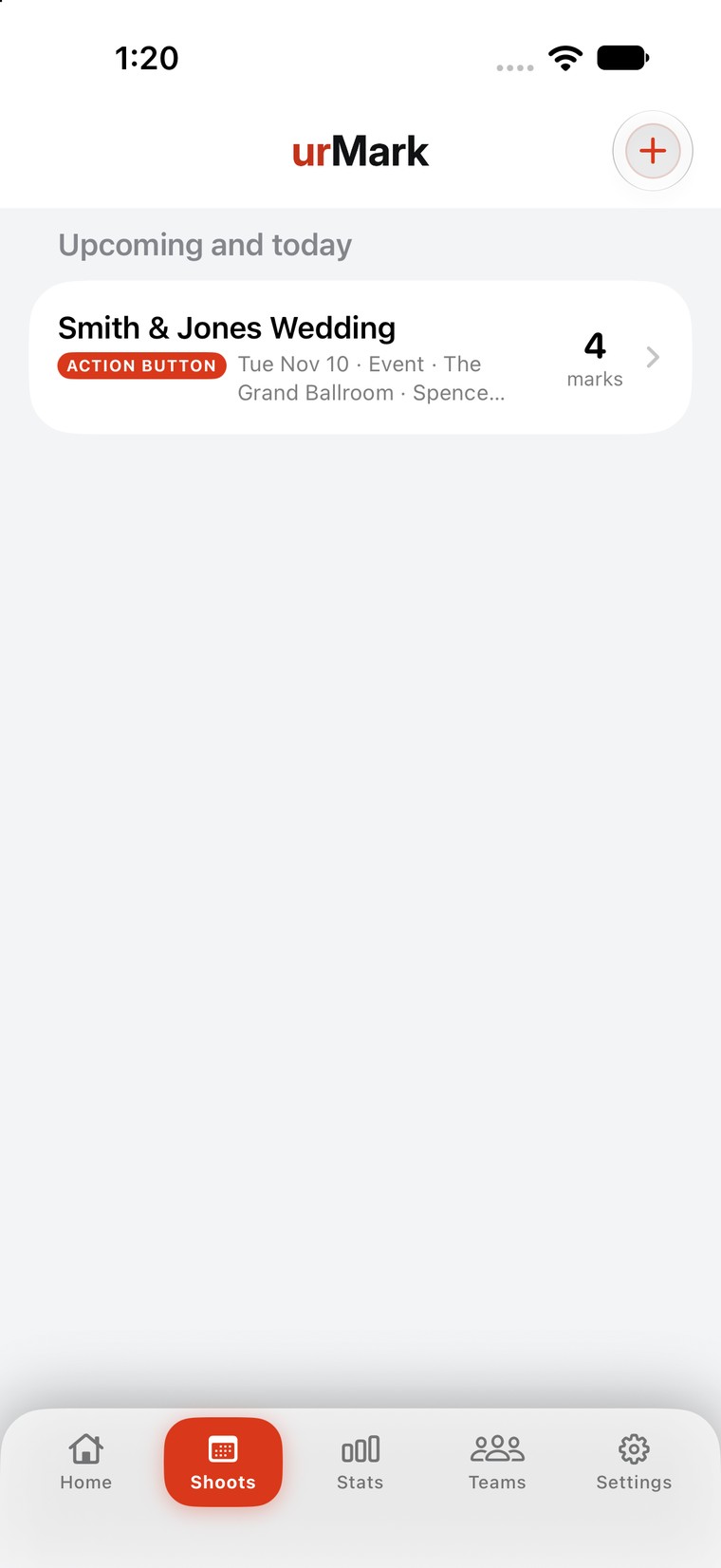
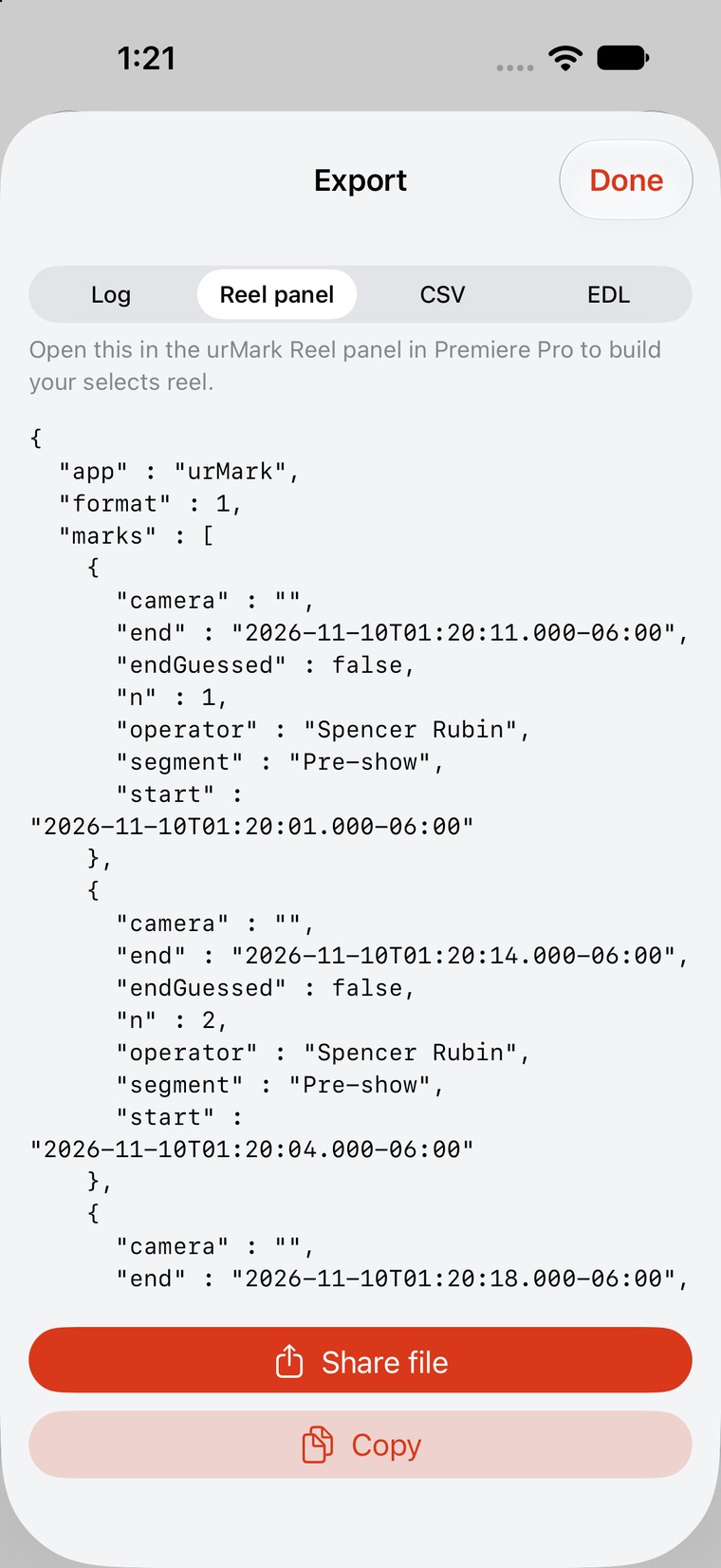
You already know the good moments the second they happen. Then you spend the night scrubbing to find them again. urMark keeps the moment you saw, at the exact time you saw it, so post starts with the selects instead of the search.
How it works
Built by a working broadcast drone operator who needed it every weekend, then rebuilt for everyone else who shoots live.
One press saves the moment you just saw. Use the Action Button, the Lock Screen or your Apple Watch so your eyes stay on the shot.
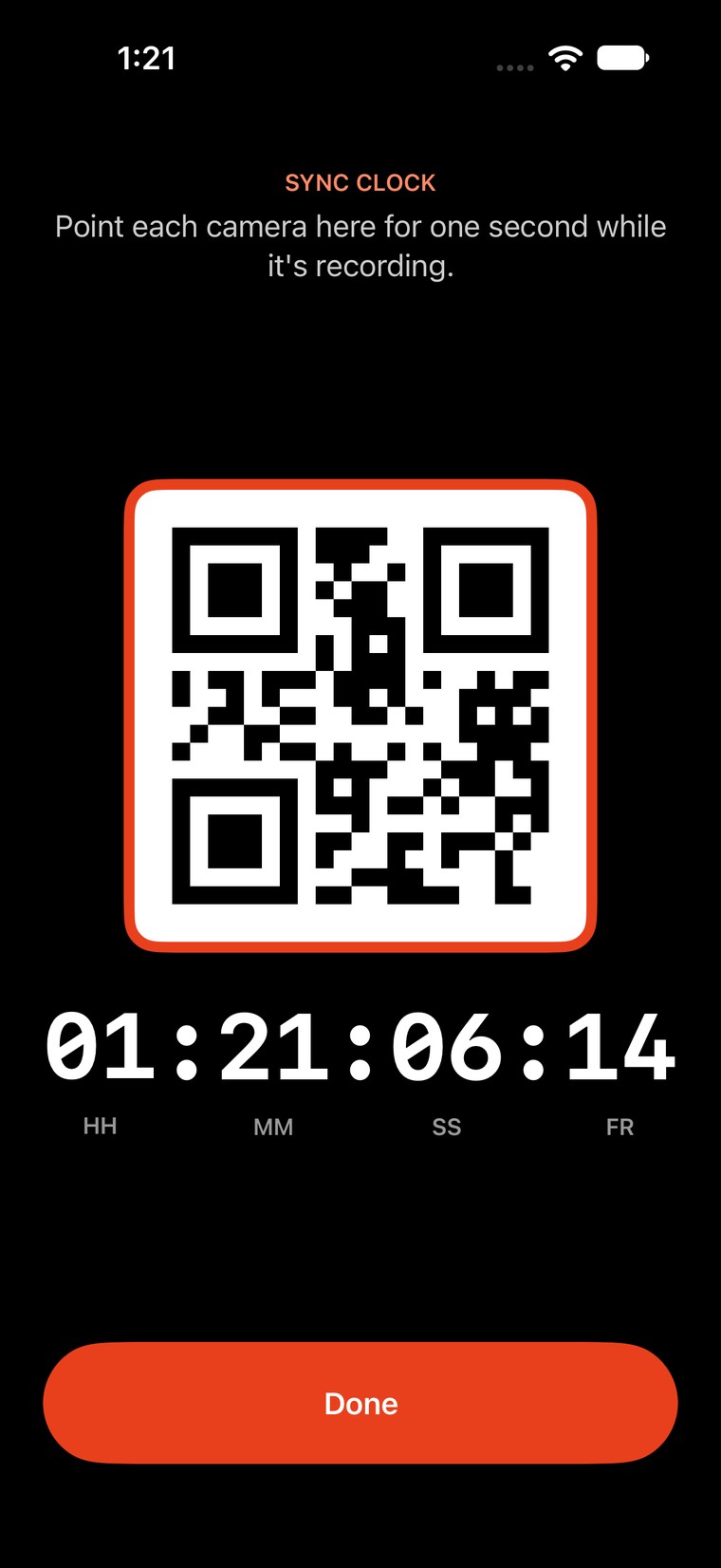
Match one mark to its frame, or film the sync clock for a second. Every other mark falls into place.
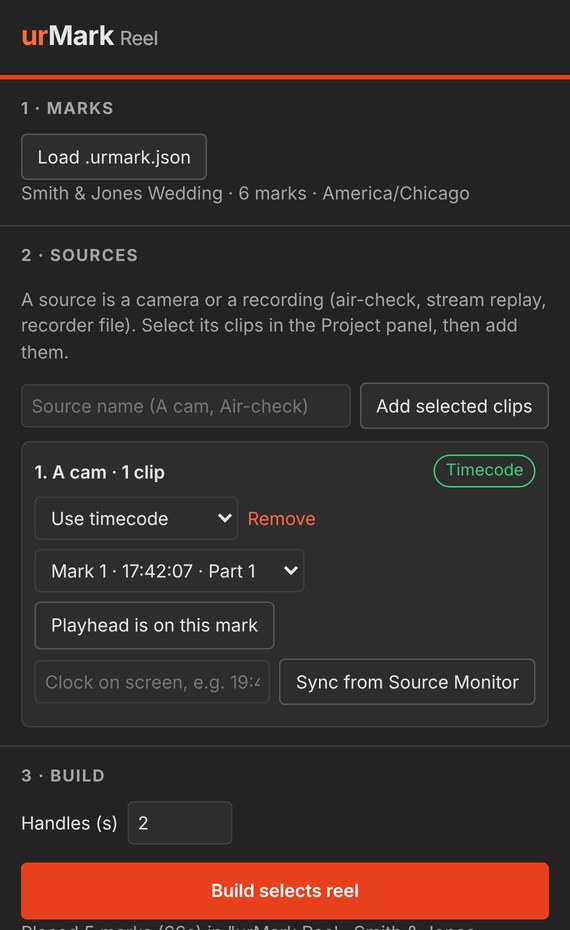
The urMark Reel panel for Premiere Pro builds a selects sequence with handles, in order, with a named marker on each clip.
Use cases
Anyone who shoots something live and cuts it later. The moments change. The problem is the same: you saw it, now you have to find it.
Drone, sideline and handheld operators mark plays as they happen. The highlight pull is ready when the game ends, lined up from the broadcast record.
Mark the vows, the first kiss, the toasts and the dance floor while you shoot. Start the highlight film from selects instead of eight hours of cards.
Mark the encore, the crowd shots and the speaker's best line. Turn around a same-night recap while the audience is still posting about it.
Mark the good takes on set, with camera and operator logged, so the editor opens circled takes instead of the whole card.
Apple Watch
The urMark watch app puts the button where your hand already is. Every press goes to the log on your iPhone with the exact time you made it, using the same rules as the Action Button.
Sync
Every mark is stored at its exact real-world time. The only job in post is telling urMark where that time sits in your clips. Pick the method that fits the gear.
Park the playhead on any marked moment. urMark works out the offset for the rest.
Setup: nonePoint each camera at the phone's sync clock for one second while it records.
Setup: 1 second per cameraSet the camera's clock to your phone's time and urMark reads it from the file.
Setup: set the clock onceJam-synced to time of day? Marks land on their frames straight away.
Setup: TOD timecodeShow or shoot
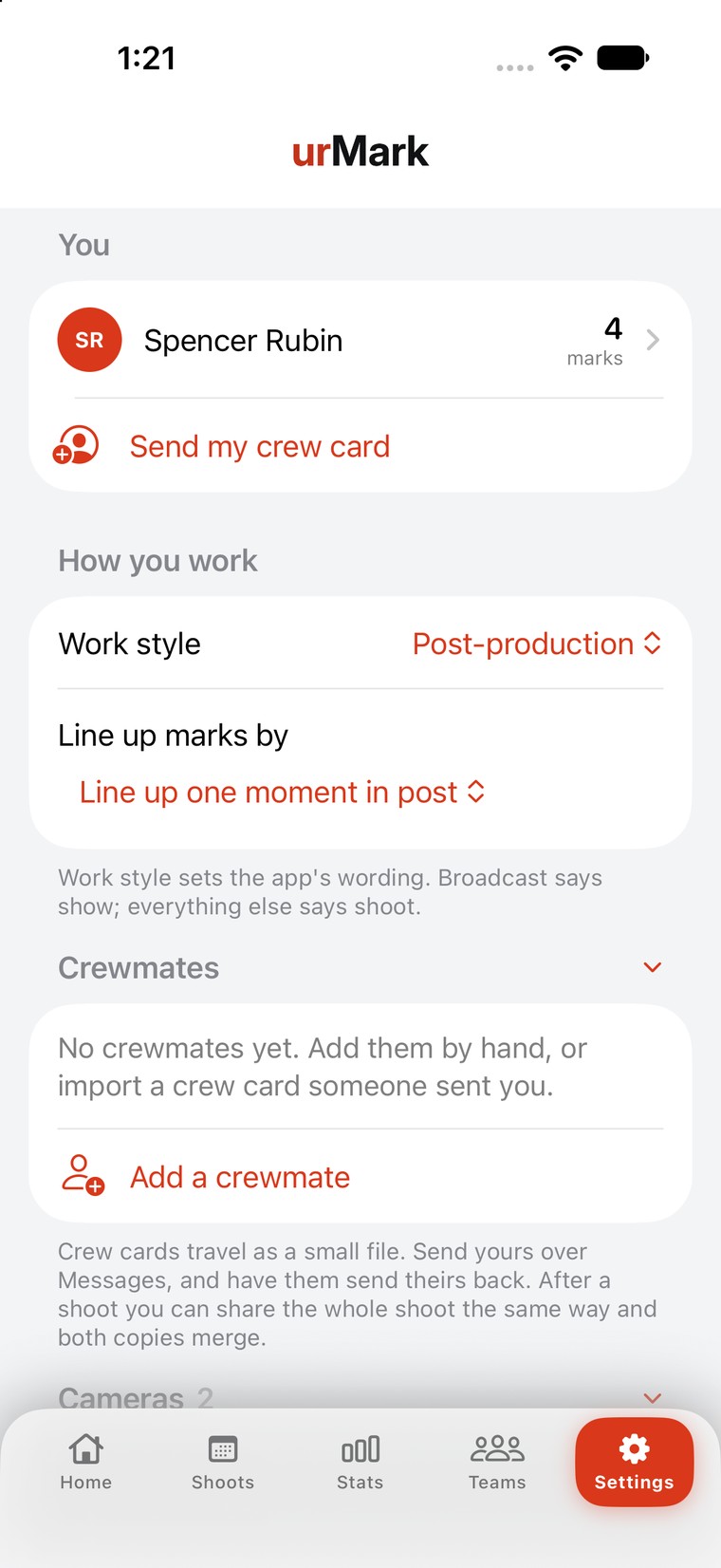
Tell urMark how you work and it sets the wording and the best way to line up your marks. Broadcast crews log shows. Wedding and brand shooters log shoots.
urMark is in a small TestFlight beta with working shooters across sports, weddings and broadcast. Leave your email to get a spot when it opens up.